Withdrawing a Bid
After submitting a bid, conditions may change and you may no longer want to compete for the work package. If the work package has not closed, you can easily withdraw your bid.
The Work Package Overview Tab
After clicking View on the relevant work package, you are taken to the overview tab. Here you can see Edit Existing Bid and Withdraw Bid.
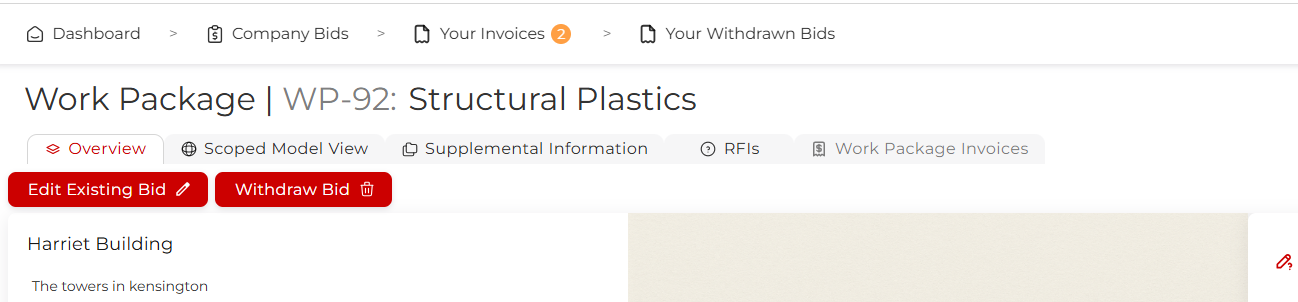
Click on Withdraw Bid.
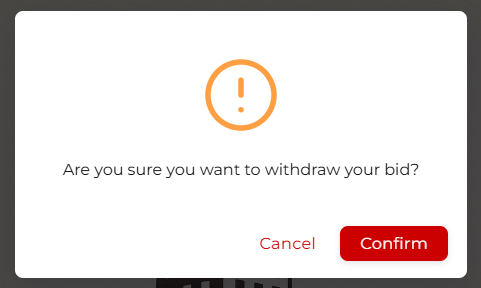
If you still want to withdraw, click Confirm.
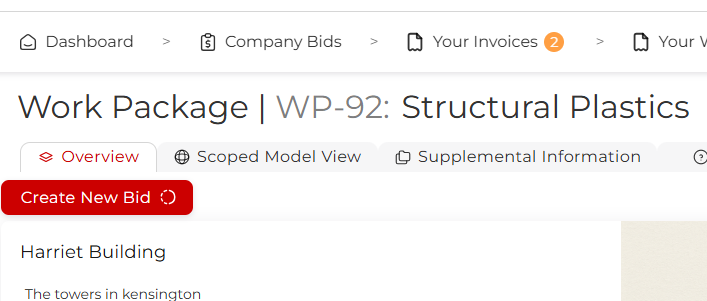
You can now submit a replacement bid if you want to.
If you navigate to Your Withdrawn Bids, you will see your bid listed there.
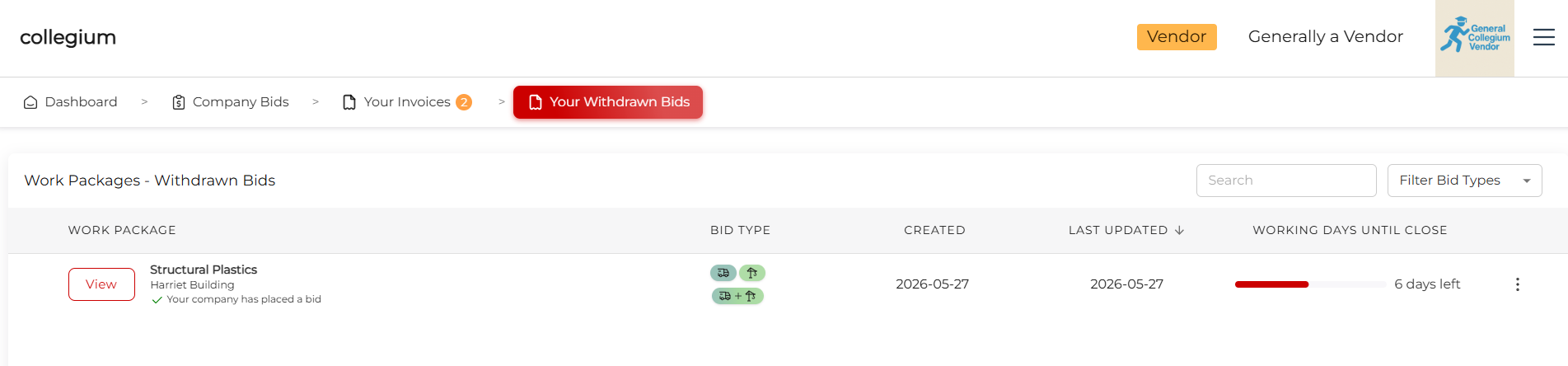
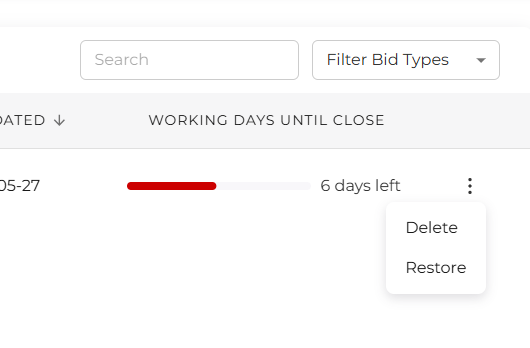
By clicking the three dot actions button, you can Delete the bid, permanently deleting it, or Restore the bid. You can only restore a withdrawn bid if you have not submitted a replacement bid and the work package has not closed. Once restored, the bid becomes available on Company Bids and to the work package owner again.