Archiving
As a project owner, it may become necessary to archive a project or work package. Here's how to do it.
Archiving a Project
On the project table, click on the 3 dot menu on the right of the project of interest, and select Archive.
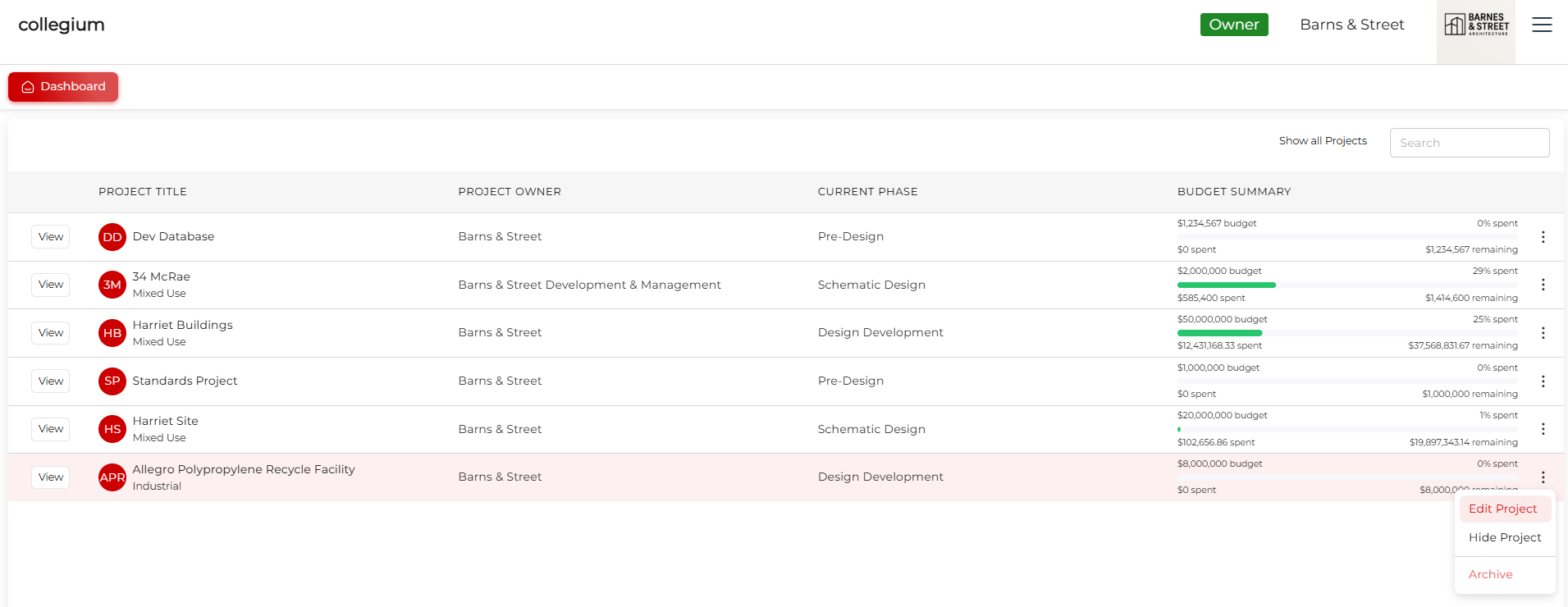
This will pop up a window asking if you are sure you want to do this. Click Yes and the project, all the work packages, bids, and invoices will be archived.
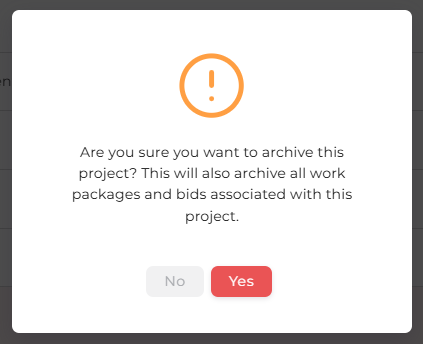
Use with caution. The only way to restore an archived project is to contact your steward.
Archiving a Work Package
On either the Open or Closed work package tables, you can click the three dot menu on the right of the relevant work package row, and you can select Archive.
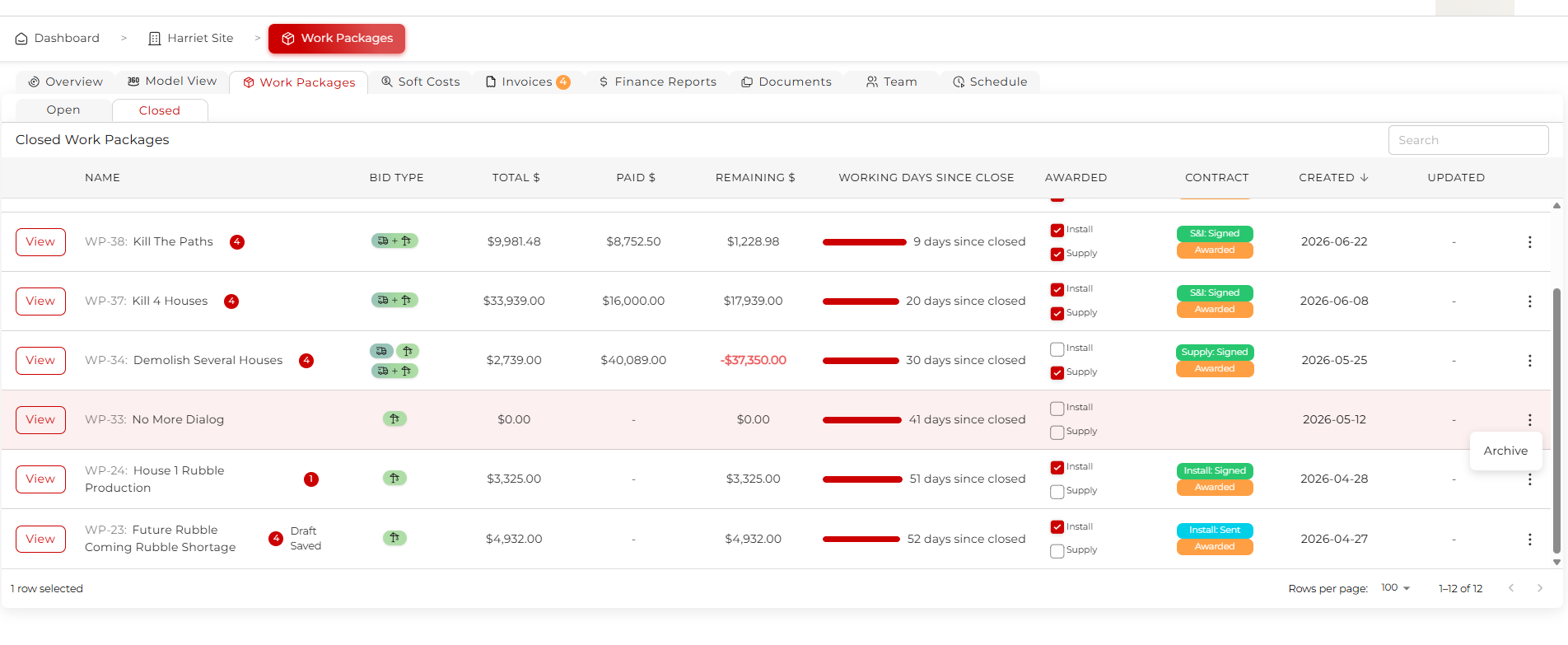
This will open a window asking for confirmation that you want to do this. If you click Yes the work package, and all the bids and invoices associated with the work package, will be archived.
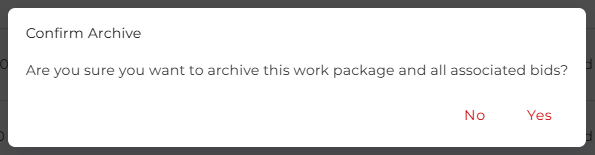
Use with caution. If you are the owner of your company, you will have permission to reinstate an archived work package. Click on the Archived tab within the work packages tab, and you can see all archived work packages. This tab is only available to the owner of the company.
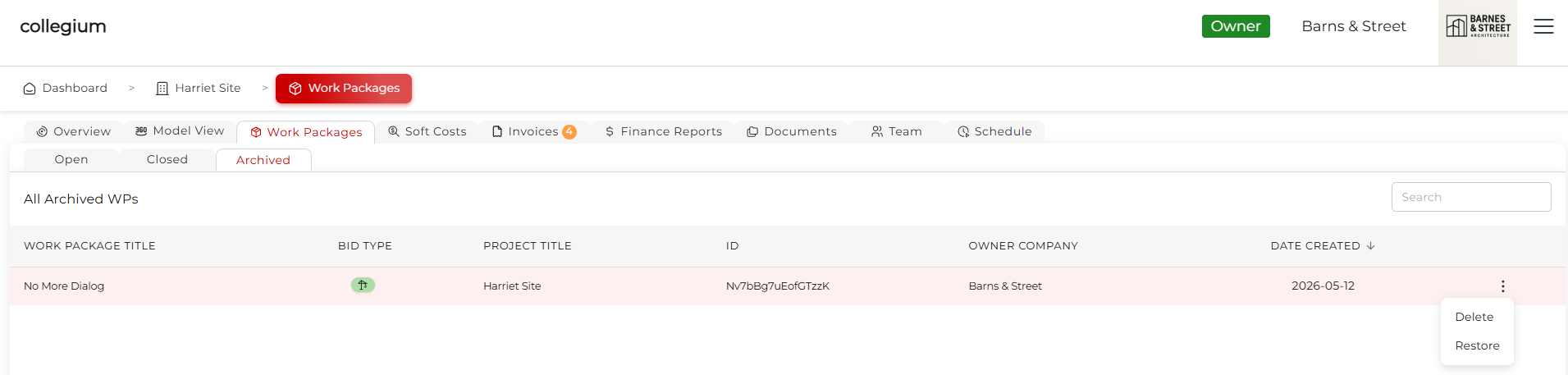
Clicking on the three dot menu, you can either Delete or Restore. Delete will permanently delete the work package, including all the bids and other data.Restore will reinstate the work package and all associated files, as long as the contents of that work package haven't already been put into a different work package.